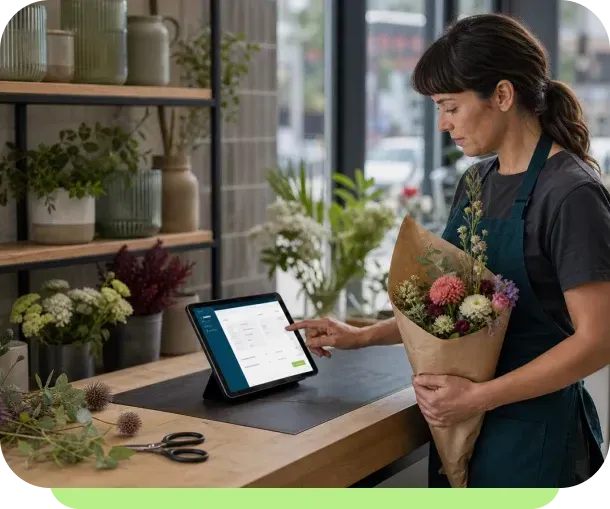
Easy Customer Invoices for Small Businesses

Create estimates, send invoices and receive payments for the services you promote on your website.

  • Send invoices faster
  • Get paid sooner
  • Use on all devices

Why Choose the Online Invoicing Plugin?

  • Save time

    Send professional invoices and get paid directly from the invoice.

  • Customized invoices

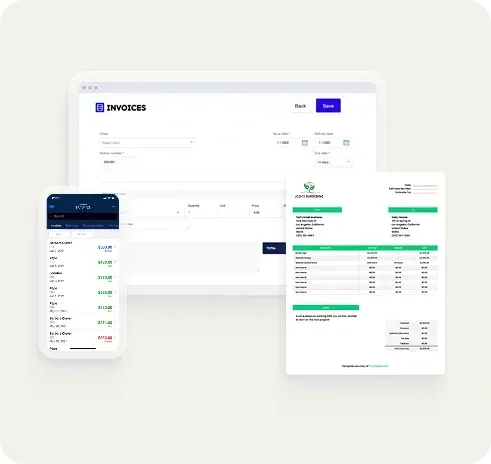
    Create invoices with your logo and branding to enhance credibility and trust.

  • Receive instant payments

    Your clients can pay easily and securely via PayPal, Stripe, Apple Pay or Google Pay.

  • Gain clear financial insights

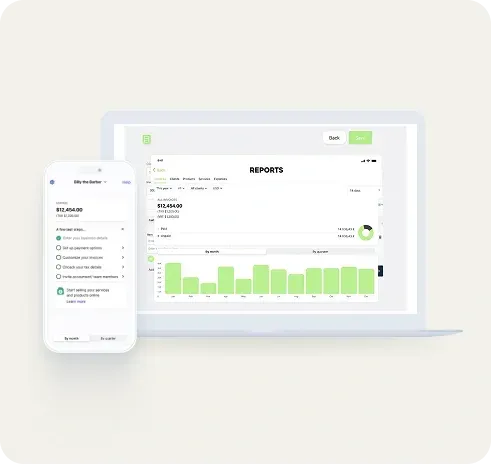
    Track revenue, expenses, and payments with real-time reports and analytics.

  • All your documents in one place

    Store invoices, quotes, and receipts in one organized, easily accessible space.

  • Reminders & repeat invoices

    Free your time with automatic recurring invoices and client payment reminders.

An Online Billing System with Awesome Features

With the Billdu Invoicing plugin, you can effortlessly manage your quotes, invoices, income and expenses at a glance.

  • Create digital or paper invoices with QR codes.
  • Receive payments directly from your invoices.
  • Easily share documents with your accountant.
  • Track your expenses with a receipt scanner.
Get the plugin

Easy Invoicing for Your Industry

Customizable to meet the needs of many types of small businesses

  • LOCAL RETAILERS

  • FREELANCE

  • CONSTRUCTION

  • CRAFTSMEN

  • CLEANING

  • CONSULTING

  • CATERING

  • DESIGNERS

  • PHOTOGRAPHERS

Stay on Top of Your Finances Anywhere, Anytime

Create quotes, invoices, delivery notes, purchase orders, receipts from your office computer, onsite with the mobile app or even offline.

Get the plugin

Start Invoicing in 4 Simple Steps

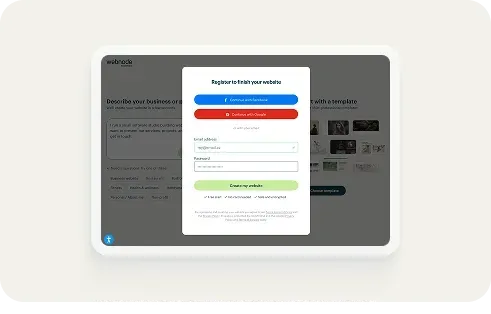
1. Sign up for free

Log in to your Webnode account or create a new one if you don’t have one yet.

Get the plugin

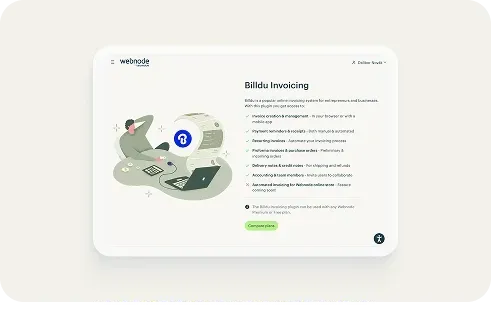
2. Add the Billdu Invoicing plugin

You can find the Billdu plugin in your project administration.

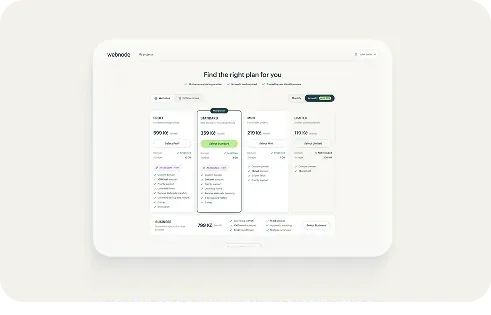
3. Choose the perfect plan

Select the plan that best suits your needs—whether you are a new freelancer or running a growing business.

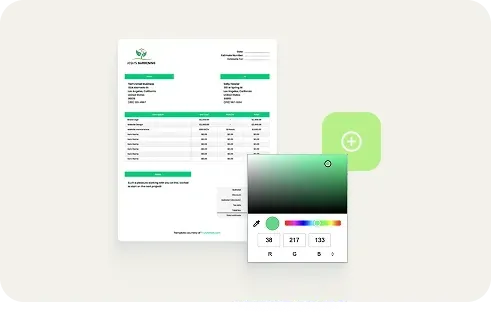
4. Set up and create your first invoice

Easily create and manage your quotes and invoices from one central place.

Invoicing FAQ’s

Just go to the plugin section of your website project administration. Here you click Billdu Invoicing, then follow the steps to choose and purchase a plan. Once activated, you can access your invoicing from this same place.

The Billdu Invoicing plugin is a paid option with 3 different price/feature plans. It can be used with any Webnode Premium or Free plan.

Yes! Receive instant payments from your clients using payment options that include Apple Pay, Google Pay, Stripe, and PayPal.

As of now, Webnode e-shop orders can be manually entered into Billdu. Coming soon will be fully automated invoicing for your e-shop!

You can use the Billdu mobile app to send invoices on the spot. This is especially convenient for those that provide professional services in clients' places of business or homes.

Yes, you can choose one of the customizable invoice templates and add your logo, colours or signature to make your invoices unique.

Automatic reminders for upcoming, due, or late payments will help you get paid on time. And to remove the barriers to getting paid quickly, your clients can pay with just two clicks!

Yes, all of your invoices, payments and receipts can be organized and managed in one central interface, then exported to one of many popular document formats.

Invoice Faster—Get Paid Quicker

Join the millions of entrepreneurs using our easy invoice and payment system.