In this guide, you’ll learn how to edit a blog post feed.
Changing the Layout and Number of Posts
1. To change the layout of the posts, click on the blog feed and select Layout.

2. Under the Style menu, you will find several types of feed designs. For some designs, you can also set the Grid Columns. Click the + and – buttons to adjust the number of displayed posts.

3. If you are working with an inserted blog feed content block (not a blog page), you can also hide the Older Posts navigation button in the Display section.

Changing the Order of Blog Posts
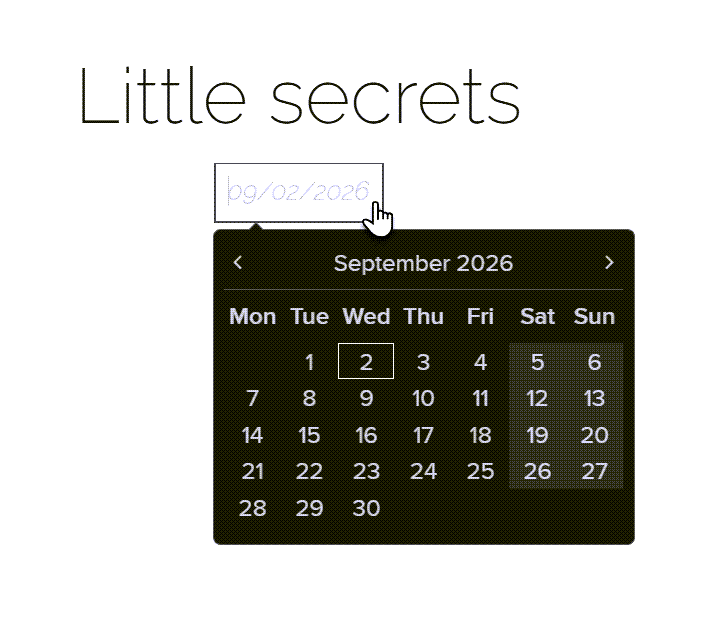
The order of blog posts in the feed is determined by their dates, with newer posts always appearing at the top. To change the order, change the post dates. No other sorting options are available. You can set the post date directly below its title.
TIP: The post dates can also be hidden. For more information, refer to the article How to Manage Your Blog.